Tested: X32 scene loads and music trigger a DMX light, no AI or internet needed
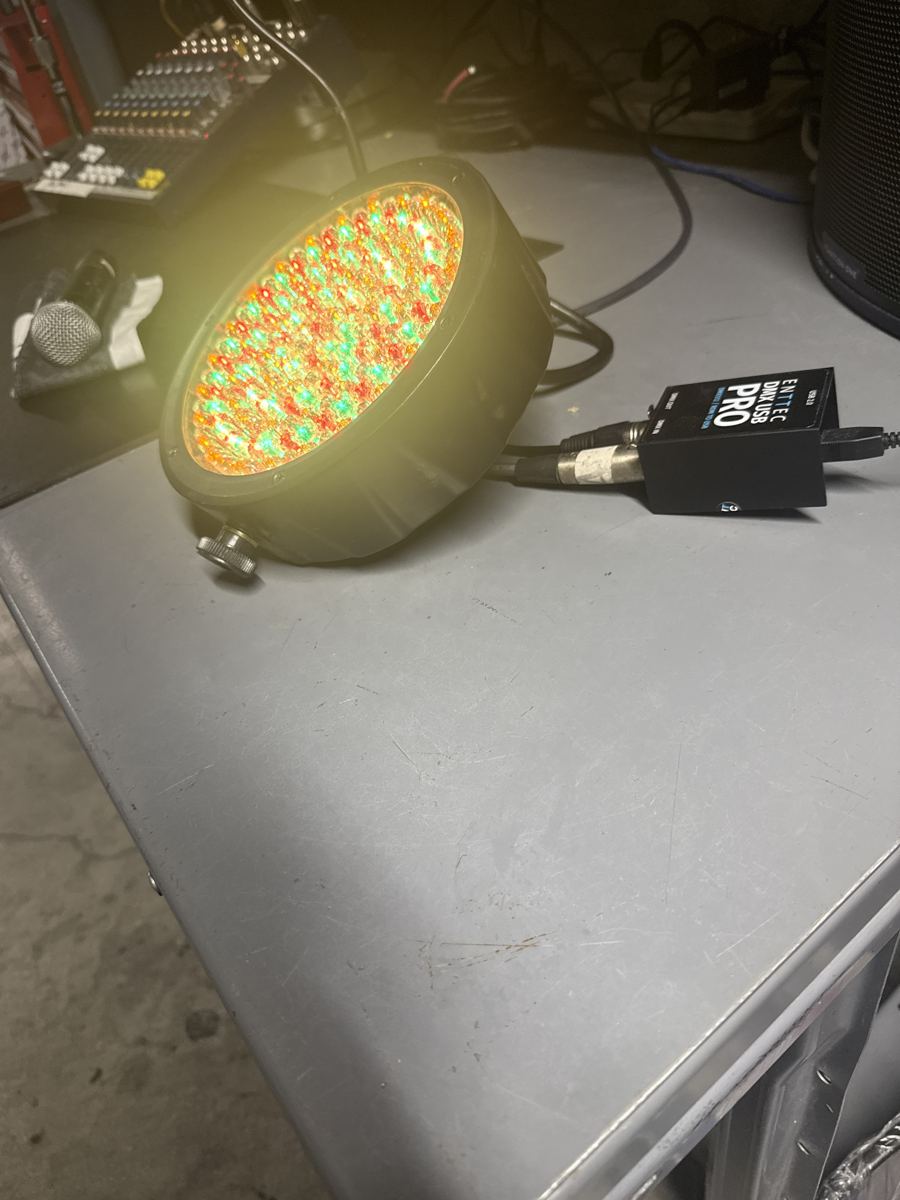
Tested on a real rig Tested 2026-10-19 on a Behringer X32, a laptop running a local Node.js listener, and a Chauvet RGBW par on an ENTTEC DMX USB Pro. All rig tests
Show ControlAdvancedBehringer X32ENTTEC DMX USB ProChauvet RGBW parNode.jsOSCDMX
What it does
This is a bench test on real hardware, run on October 19, 2026. Once the assistant had built and tested the tools, the cues themselves run with no Claude and no internet: a small Node.js process on the laptop listens to the X32 over OSC and drives the light through the ENTTEC.
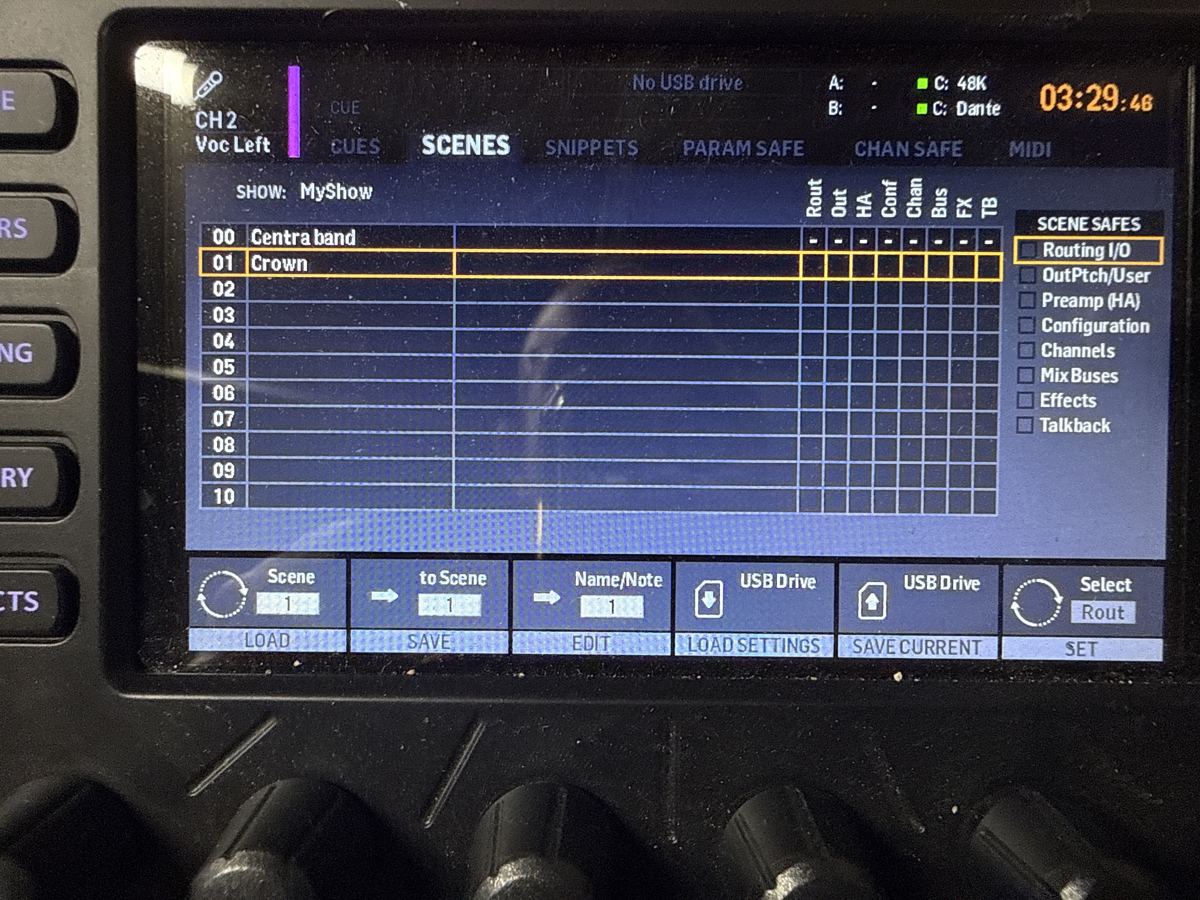
Scene load to light cue. The listener subscribes to console updates with /xremote. One finding from the test: this X32 did not report the loaded scene number. /-show/prepos/current returned -1. What it does do on every scene load is push all the channel names. The final design uses that: name channel 32 (usually spare on a show) LX BLUE, LX GOLD and so on, save it in each scene, and the light follows. The light also changes as soon as channel 32 is renamed, before any save. Supported names: BLUE, GOLD, RED, GREEN, PURPLE, WHITE, AMBER, PINK, CYAN and OFF.
Music-reactive light. A second mode reads the X32's /meters/0 stream at about 20 updates a second and watches aux inputs 5 and 6 (meter indices 37 and 38). It detects onsets in the level, sets brightness from the energy of the music, and changes color on accents instead of at a fixed tempo. It is not as tight as a hardware beat trigger, but it tracked background music well.
Only one mode drives the light at a time. Desktop shortcuts on the laptop switch between Beat mode, Scene mode and Lights off.
How to set it up
- Get DMX output working first (see the ENTTEC test entry) and confirm the fixture address.
- Run a listener on the laptop that sends
/xremoteto the X32 on UDP port 10023 and renews it every few seconds. - Watch the channel name messages. Map the name of channel 32 to a look:
LXfollowed by a color. - In each scene, rename channel 32 to the look you want and save the scene. Load the scene and check the light.
- For music mode, subscribe to
/meters/0and pick the meter indices for your source (37 and 38 were aux in 5/6 here). - Stop one mode before starting the other, since both write to the same fixture.
FAQ
Why not use the scene number?
On this console /-show/prepos/current returned -1 during the test, so the number was not available. Channel names arrive on every load, which makes them a dependable key.
What if someone renames channel 32?
The light follows the name, so a rename changes the look. Agree with your crew that channel 32 is reserved for lighting cues.
Photos from the rig
Original source: https://github.com/pmaillot/X32-Behringer